Algi Febri Sugita/Shutterstock
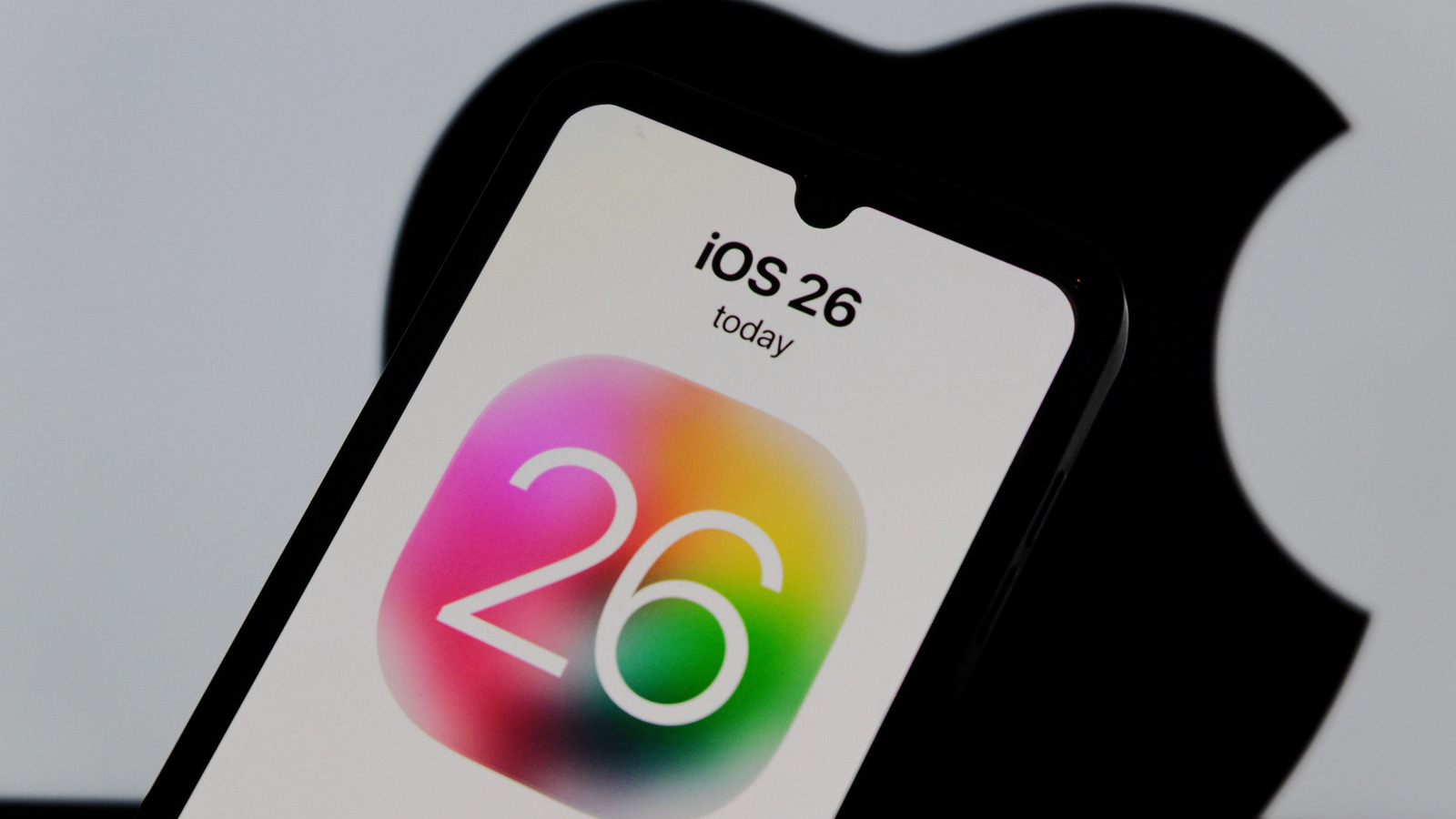
Apple recently introduced iOS 26, the latest software update for its line of iPhones. It offers tons of upgrades to the user experience, including the new Liquid Glass translucent design, more customization options for the Lock Screen, new features for the Phone and Messages apps — like Call Screening and Live Translation, Camera and Photos improvements, and Apple Intelligence enhancements.
It technically works on any iPhone dating back to iPhone 11 series models, as well as iPhone SE models 2nd-generation and later. However, Apple Intelligence is only available for iPhone 15 Pro and newer models. This includes some features you might not even realize leverage AI processing, which, as a result, won’t be available on older phones.
What’s more, before you download iOS 26 to older model devices with less processing power, you should consider potential issues — like slower performance and faster battery drain. This appears to be common when Apple releases new OS models. While software support extends to older phones, you aren’t necessarily getting the full experience of the upgraded operating system.
How iOS 26 might run on older iPhones
Marvin Samuel Tolentino Pineda/Getty Images
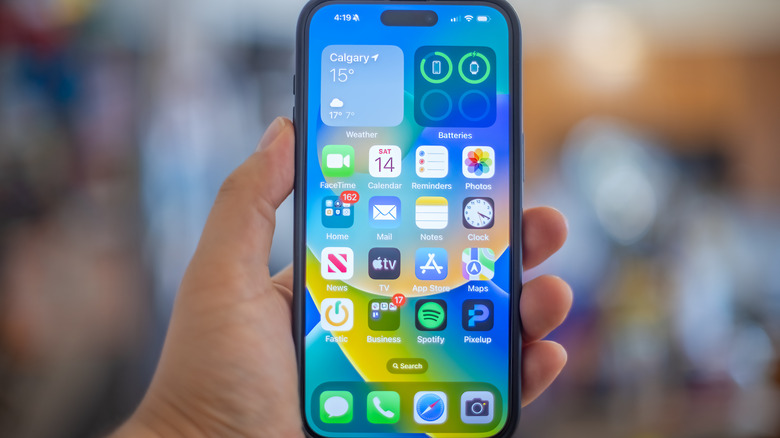
It’s tempting to update your older iPhone to iOS 26. It’s always recommended to update your phone to the latest OS available, after all. But there might be some drawbacks when doing so with older phones.
iOS 26 can be taxing on the system for an older iPhone, one less powerful than newer models despite stated compatibility. You could experience slower performance because of the less powerful hardware. If the device has less RAM or a weaker CPU, it’s unlikely to be able to handle processing as quickly as a newer phone might, for example. Overall, the phone could end up being a bit sluggish.
With all the additional features and background processing common to the latest version of iOS, you may also find that your battery drains faster. Batteries degrade over time as it is, so you probably already notice that you’re recharging your old iPhone more than previously. New features and additional processing demands could put more pressure on an already aging battery, potentially leading to overheating.
iOS 26 features you might miss on an older iPhone
Yalcinsonat1/Getty Images
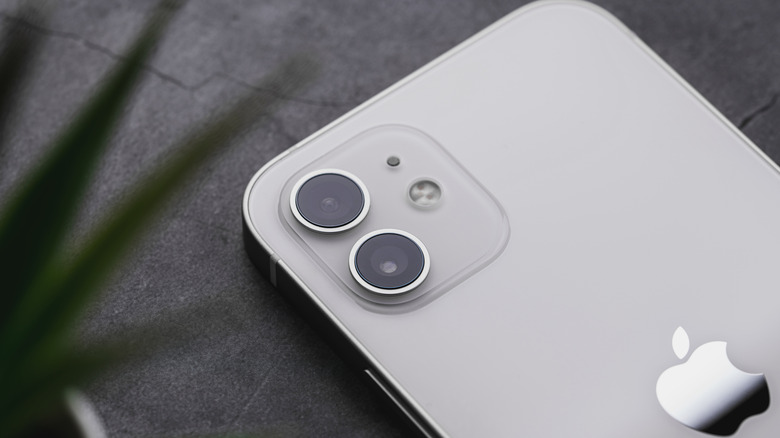
The most notable exclusion when it comes to iOS 26 features you won’t find on compatible older iPhones is anything related to Apple Intelligence, as mentioned earlier. This includes Image Playground, Live Translation, Visual Intelligence functions, and Genmoji improvements, including merge abilities.
Many other AI-related features are absent from installations of iOS 26 on older iPhones. First up: Polls in group Messages and AI features in the Reminders apps, which provide suggested reminders based on things like actions in e-mails or grocery items for a recipe you’ve bookmarked in Safari. You won’t get AI actions in the Shortcuts apps either, missing out on capabilities like summarizing a PDF or producing a daily brief outlining the weather, your appointments, and reminders pertinent to your day’s schedule. Also missing are the lens cleaning warning — which alerts you if the camera lens is smudged — 3D Lock Screen effects, and AI order tracking in the Wallet app, which displays real-time details of any order purchased with Apple Pay.
Basically, you’ll get basic upgrades with iOS 26 on older iPhones. But to enjoy the full experience, you need at least an iPhone 15 Pro.