Jake Peterson
Senior Technology Editor
Experience
Jake Peterson is Lifehacker’s Tech Editor, and has been covering tech news and how-tos for nearly a decade. His team covers all things technology, including AI, smartphones, computers, game consoles, and subscriptions.
Add as a preferred source on Google
We may earn a commission from links on this page.
Credit: dikushin/Getty Images
Table of Contents
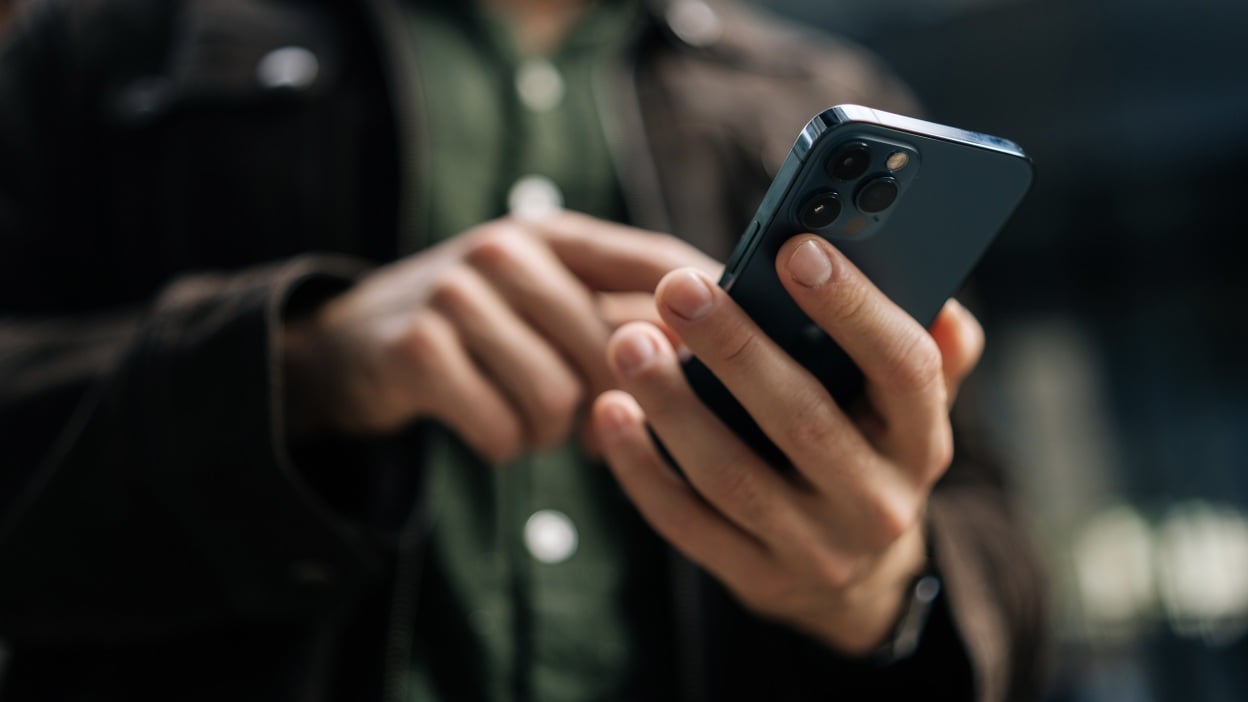
I’ve been plagued by an odd iOS bug for a while now. I couldn’t tell you exactly when it started, but sometime during the iOS 26 era, I noticed that my iPhone 17 Pro Max’s brightness controls were slower than usual. I found this strange: As far as I know, iPhones have had a consistent speed when changing brightness. You pull up Control Center, move the brightness slider up or down, and the brightness levels adjust accordingly, almost instantly. But not with this bug.
Since the bug, I’ve occasionally noticed that lowering the brightness is weirdly sluggish. Moving the slider still works, but I can see each brightness level adjust tick and tick, rather than one smooth adjustment. Plus, even when it reaches the bottom, it doesn’t seem as dark as it should be. I can tell, especially when using my iPhone in a dark room, it shouldn’t be this bright at its minimum level.
I wasn’t sure whether this was a hardware or a software quirk. The latter, of course, would be preferable. If this was something Apple could fix with a software update, that’d be easy enough. But if there was something wrong with 17 series’ displays, that could be another beast entirely. I didn’t really think it was hardware, since the issue was intermittent, but still, I had no idea what was going on, or how to fix it when it appeared.
How to fix this odd iOS brightness bug
The good news is I found a solution—though one I never would have expected. I finally thought to Google the problem, and found myself on this Reddit thread, with an iPhone 17 Pro user with the same problem as me. The top comment presented the solution: Press the Dictation button on your iPhone’s keyboard.

Lifehacker has been a go-to source of tech help and life advice since 2005. Our mission is to offer reliable tech help and credible, practical, science-based life advice to help you live better.
© 2001-2026 Ziff Davis, LLC., A ZIFF DAVIS COMPANY. ALL RIGHTS RESERVED.
Lifehacker is a federally registered trademark of Ziff Davis and may not be used by third parties without explicit permission. The display of third-party trademarks and trade names on this site does not necessarily indicate
any affiliation or the
endorsement of Lifehacker. If you click an affiliate link and buy a product or service, we may be paid a fee by that merchant.