Jake Peterson
Senior Technology Editor
Experience
Jake Peterson is Lifehacker’s Tech Editor, and has been covering tech news and how-tos for nearly a decade. His team covers all things technology, including AI, smartphones, computers, game consoles, and subscriptions.
Add as a preferred source on Google
We may earn a commission from links on this page.
Credit: Editorial RF/Getty Images
Key Takeaways
- Apple released iOS 26.5.2 on Monday, which comes with patches for 29 security flaws.
- None of the flaws patched are zero-days, but it is still important to update as soon as possible.
- Many of the flaws relate to how WebKit handles user data, specifically when accessing websites.
Table of Contents
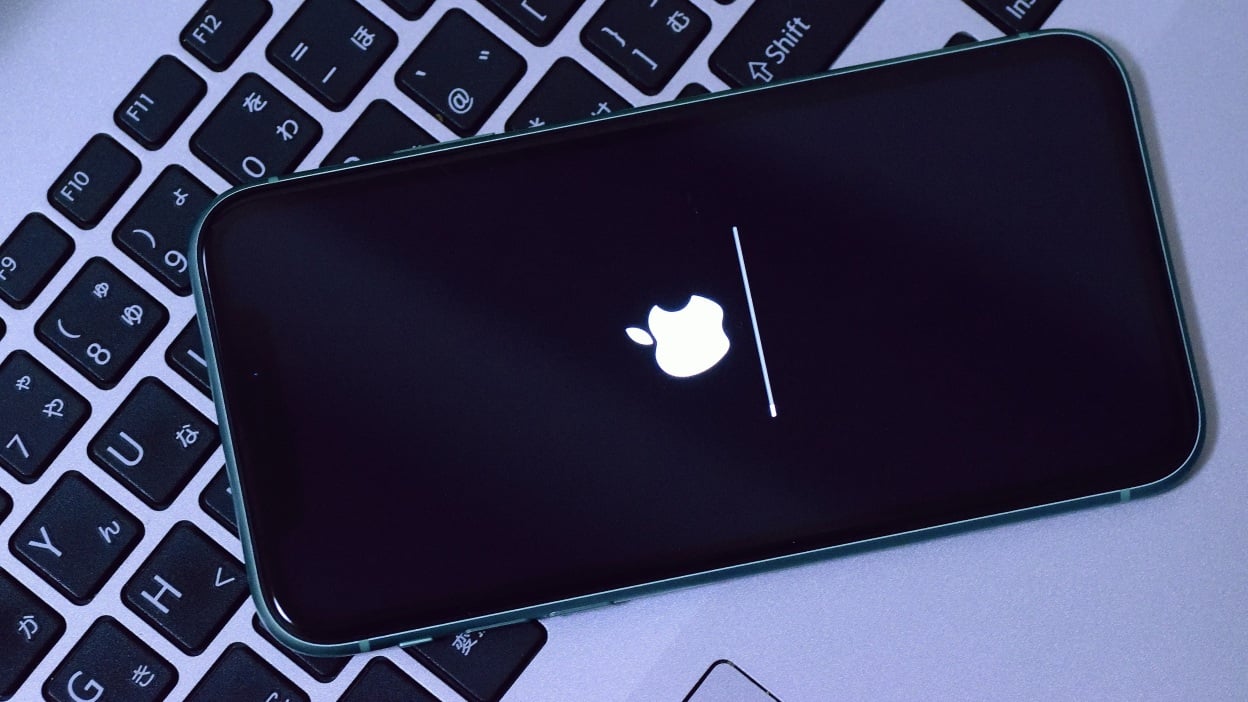
While the tech world’s collective attention is currently fixed on iOS 27, Apple is still churning out updates to iOS 26. While we’re not likely to get another feature-filled release in the “26” era, there will always be bugs and security flaws to squash whenever Apple or third-party researchers discover them. Case in point: On Monday, Apple dropped iOS 26.5.2, which comes with fixes for 29 security vulnerabilities.
First, the good news: None of these vulnerabilities appears to be a “zero-day.” A zero-day is a security flaw that is publicly disclosed or actively exploited before the software developer has a chance to issue a patch. They’re especially dangerous, since it gives hackers the advantage: They can attempt to find an exploit—or, worse, take advantage of that exploit—for as long as it takes the developer to issue an update, and for its user base to install it. Luckily, none of these flaws appear to qualify, meaning this isn’t a mission critical situation. Still, any unpatched security flaw is concerning, and now that these are disclosed, it’s only a matter of time before someone figures out how to exploit them. As such, it’s important to install iOS 26.5.2 as soon as possible.
Here’s what iOS 26.5.2 patches
According to Apple’s official security release notes, iOS 26.5.2 (and iPadOS 26.5.2) patches 29 security flaws. Many of the flaws have to do with how WebKit, Apple’s engine that powers Safari, secures user data. You’ll see some flaws that could expose sensitive data if the user processes malicious web content (e.g., if you click a fraudulent link), as well as one vulnerability that could leak sensitive data just by visiting a website, even if that site isn’t necessarily malicious. Another patch handles a flaw that would let malicious websites process data outside of the “sandbox,” or the secure element that Apple keeps websites in so they don’t venture into secure parts of iOS, while another patches a flaw that could steal clipboard data without your knowledge.
You’ll find all 29 patches listed below, along with a description, the fix, and the CVE (Common Vulnerabilities and Exposures) number used to track them. Again, none of these flaws has a known active exploit.
Installing this security patch is the same as any other iOS update. If you have Automatic Updates enabled, the OS should update on its own in due time. However, you can manually kick-start the process by heading to General > Software Update and following the on-screen instructions.
The Download Newsletter
Never miss a tech story

Jake Peterson
Get the latest tech news, reviews, and advice from Jake and the team.
The Download NewsletterNever miss a tech story.
Get the latest tech news, reviews, and advice from Jake and the team.